G-Presets – Summer Grace Presets
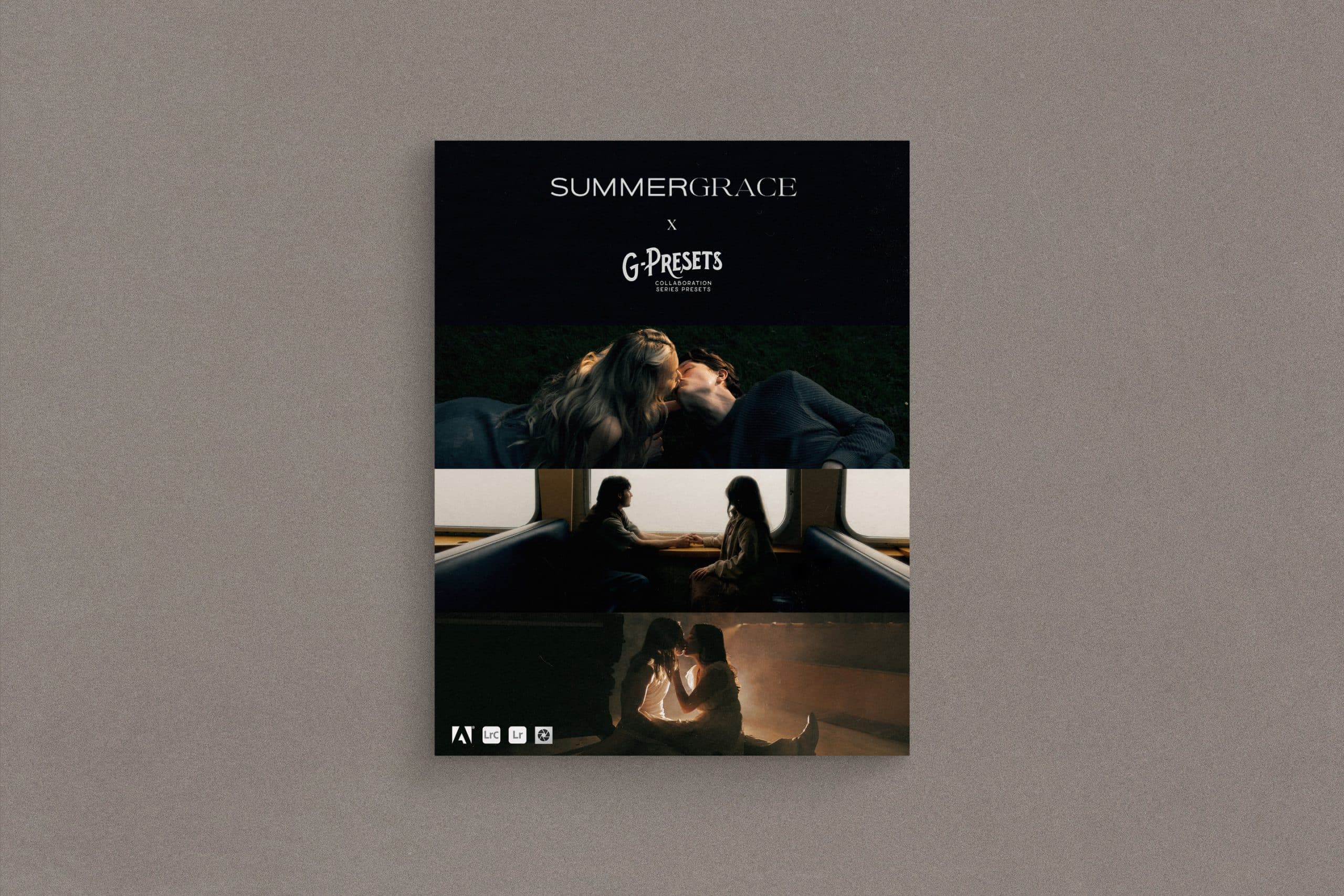
If you’re looking for a fun, timeless look that doesn’t stray from the true tones of your images, you’re in the right place. Summer Grace Presets gives you the creative freedom to capture a vintage, yet timeless edit that allows you to experience the raw feelings behind every single one of your images.
Summer Grace Presets aren’t a one-look preset. Instead, this pack encourages you to push yourself creatively by offering 4 unique preset styles to give a simple, filmy, and edgy feel to your work. With this pack, you can achieve a timeless, but moody feeling to attract clients who appreciate clean edits that still hit hard.
Summer Grace Presets consist of 10 color presets, 2 BW presets, and 3 custom mask tools (see below for compatibility).
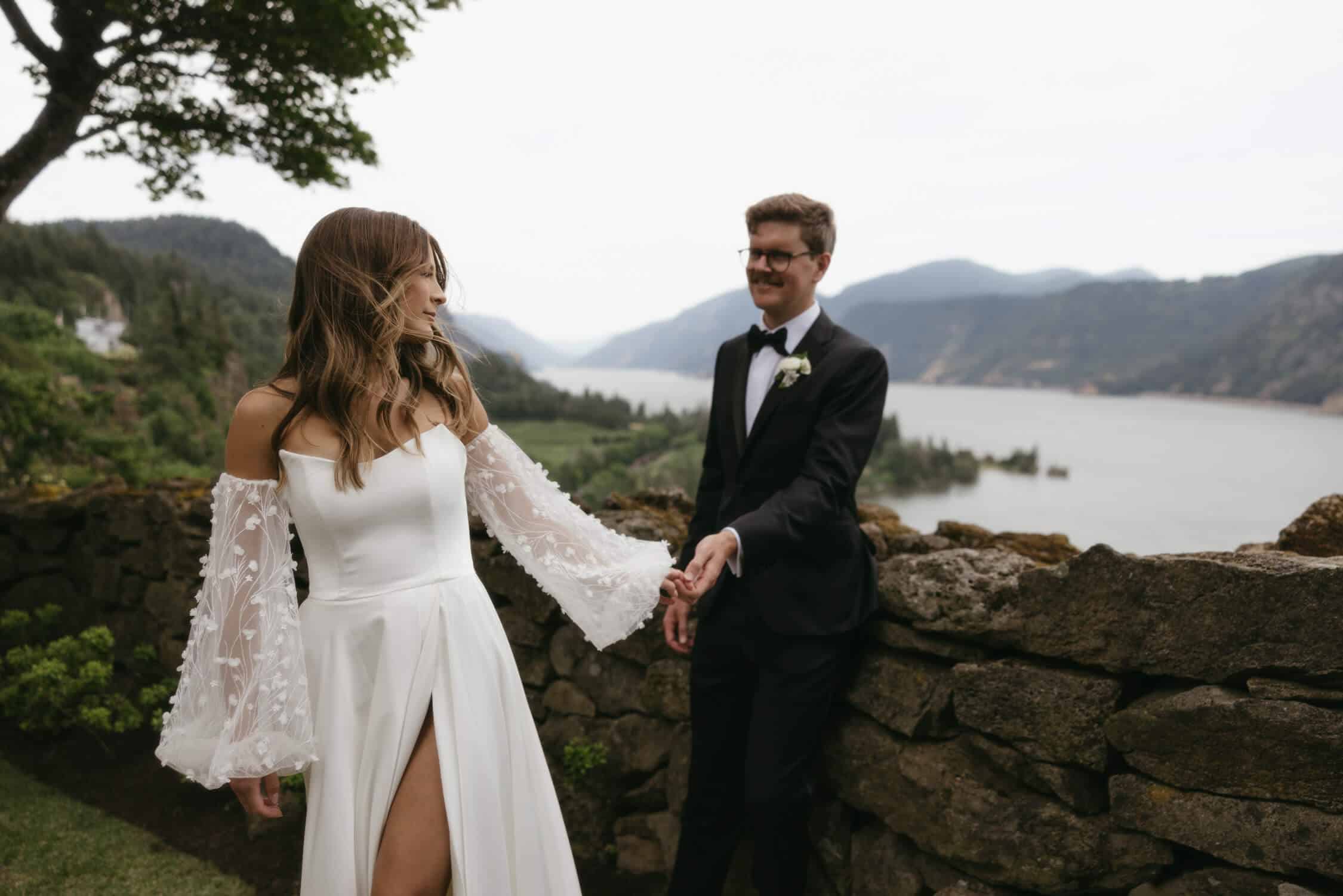
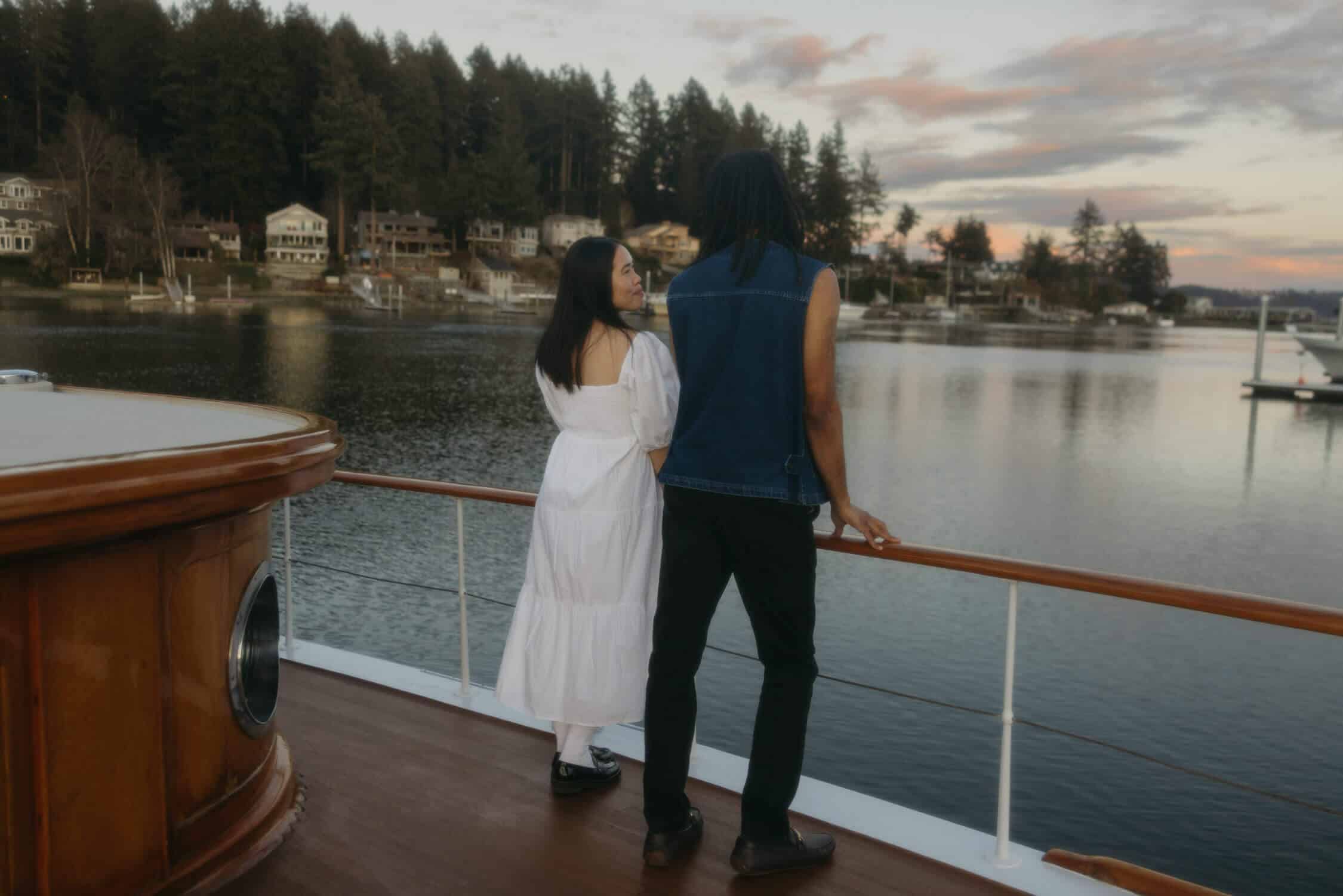
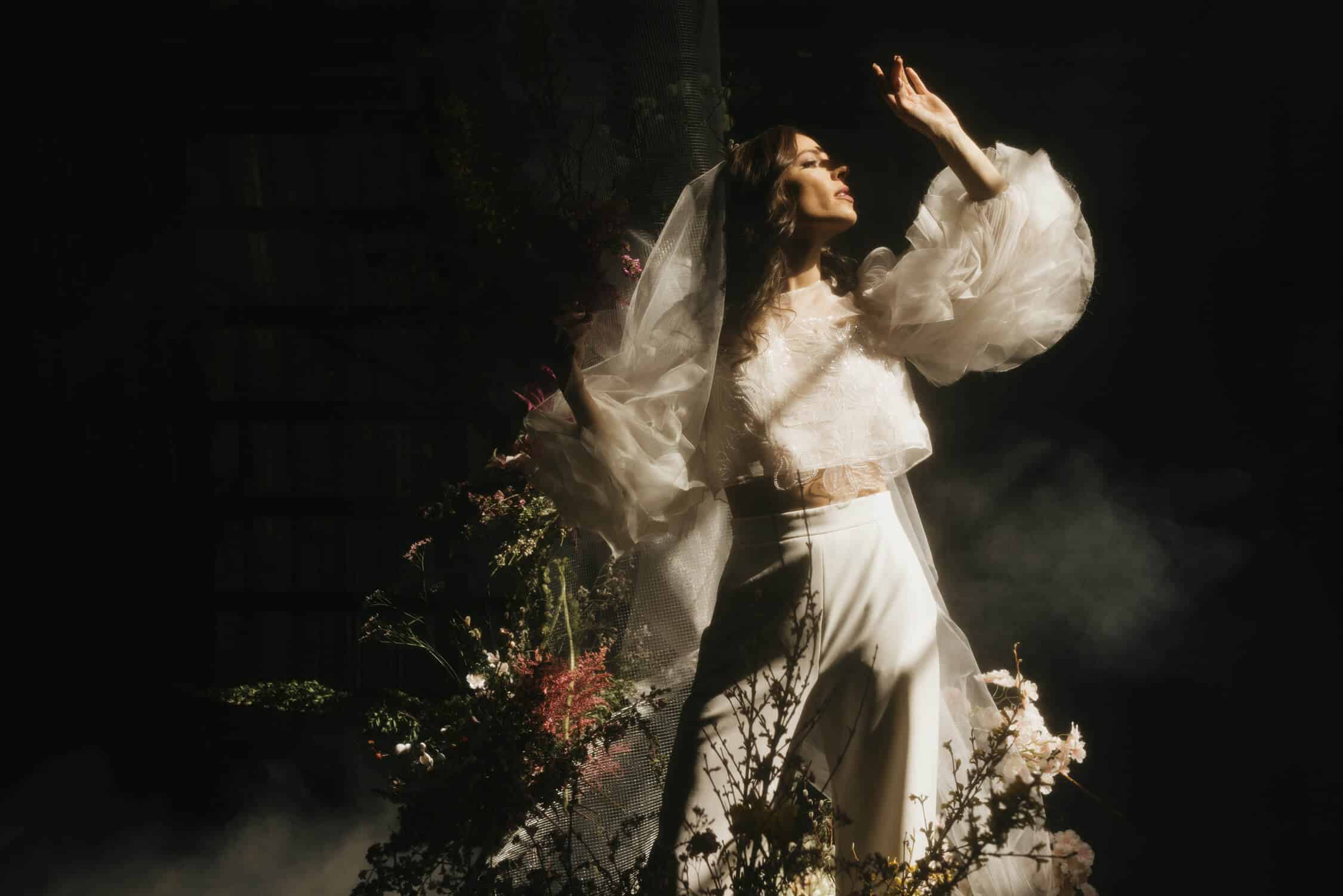
Before and after images below demonstrate how each preset manipulates an image with identical white balance and exposure.
SG – 1 – BASE
This preset is my go-to for a clean edit with a nice punch in the highlights. The tones are on the warmer side, but not too warm.
SG – 2 – BASE
Base 2 is a sibling of base 1 with less of a punch in the highlights, but more punch happening in the colors. It has more dynamic range and a bit more red in the skin tones.
SG – 3 – BASE
Base 3 is the most vibrant of all of the base presets. It’s still similar to the others, but overall less moody with a good vibrant feel and clean look. This is my go-to for fun reception flash photos or anything where I want a good happy edit.
SG – 4 – BASE
This is the moodiest of all of the base presets. It has less punch in the colors but much more in the highlights. This is my go-to in moody weather, photos with dynamic ambient lighting, and photos with strong highlights.
SG – 5 – FILM
This preset has bright highlights and vibrant greens with warmer hues in the highlights and greens in the shadows. This is my go-to for creative shots with greens.
SG – 6 – FILM
Film 6 is softer than Film 5 and a little more red. There are beautiful blues in the highlights and in the shadows while having some warmth in the midtones. This film preset will also give a more creamy look to your edit that is to die for.
SG – 7 – FUJI
This Preset is a good blend of moody yet colorful. It has higher contrast, a more green hue while being slightly less saturated, and warm skin tones. I love using this preset with grass, dynamic lighting, and details.
SG – 8 – FUJI
Fuji 8 is more green than yellow. It’ll feel less warm while still having a very similar look as Fuji 7. I feel that Fuji 8 pairs well with more neutral environments and golden hour. It also gives off a disposable camera vibe when paired with a direct flash image.
SG – 9 – MOODY
You can expect this dynamic preset to have desaturated greens with a warm skin tone and some blue in the highlights.
SG – 10 – MOODY
Moody 10 is darker than moody 9 with more of a dark blue hue in the shadows, giving in that dreamy + cinematic look.
SG – 11 – BW – TIMELESS
This BW preset is timeless and clean. It isn’t too retro or soft, but nice and in the middle. Using this black and white will give you edits that will last a lifetime. This is my go-to BW that I use 90% of the time.
SG – 12 – BW – PHOTOBOOTH
This fun and unique preset is what I use the other 5% of the time. It’s soft, hazy, and retro, giving you that photo booth and film feeling without being overly edited. I love using the photo booth preset on fun detail shots, soft images, or quirky poses.
MASKS
The final mask is the sunset enhancer. This is an AI-generated mask that will help bring out your sunset, or background without affecting your subjects. I love this mask any time I’m trying to make the sunset pop.
*The Custom Mask tools are only compatible with Lightroom Classic (version 12.3 or later), Lightroom CC (version 6.3.1 or later) Adobe Camera Raw (version 15.3 or later). For earlier versions, you MUST update your editing applications to meet the required specifications.
**The Presets ONLY work with Lightroom Classic CC (version 7.5 or later), Lightroom CC (version 1.3 or later), and Adobe Camera Raw (version 10.5 or later). For earlier versions, you MUST update your editing applications to meet the required specifications.
FROM: G-Presets